Procedural Dice Asset Generator
A headless-Blender pipeline that procedurally generates a labeled library of TTRPG dice, grown into a full synthetic-to-real object detection pipeline: rendered scenes, COCO annotations, and a trained YOLO detector.
Overview
This started as a headless Blender pipeline that procedurally generates individual TTRPG dice, and grew into a full synthetic-to-real object detection project: generate a labeled asset library, render tabletop scenes from it, auto-annotate them, train a detector, and check the result against real photos. It didn’t hold up on real photos — not fully — and that failure turned out to be the most interesting part of the whole project. This page walks through it in order: the assets, the scenes, the labels, and finally what happened when a model trained on all of it met a camera.
Step 1: Geometry
The fun part of this step: getting a d12’s pentagons or a d10’s kite faces right without hand-authoring any topology. Each die’s mesh comes from a fixed vertex set run through Blender’s boolean tooling instead.
- Base vertices: the standard Platonic-solid coordinates for d4/d6/d8/d12/d20, plus an empirically-derived pentagonal-trapezohedron set for d10 (also reused for d10_pct, the percentile die).
- Initial approach — hand-author the face/vertex topology: easy to get subtly wrong on a 12- or 20-sided solid.
- What I used instead:
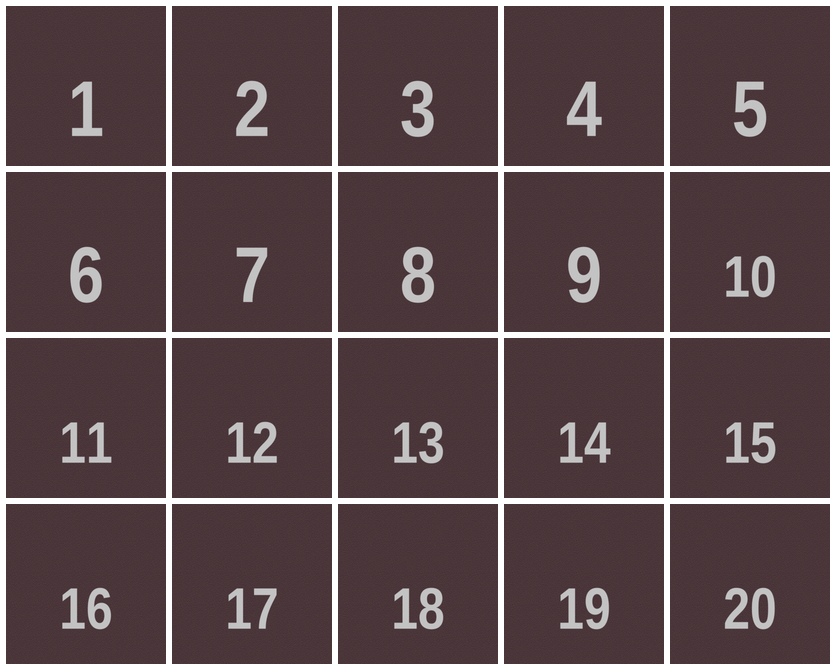
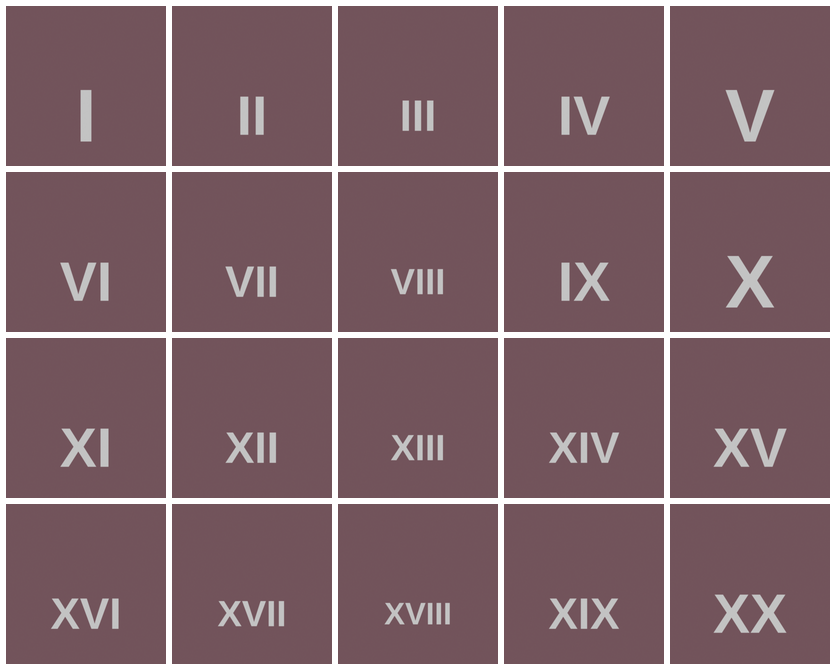
bmesh.ops.convex_hullon the raw vertices, thendissolve_limitto merge the hull’s coplanar triangles back into real faces — quads for the d10’s kites, pentagons for the d12. - Face numbering: follows real dice conventions — opposite faces sum to 7 on a d6, 21 on a d20, and so on. The d4 is the exception: its faces sit opposite a vertex, not another face, so there’s no pairing and values are assigned once each.
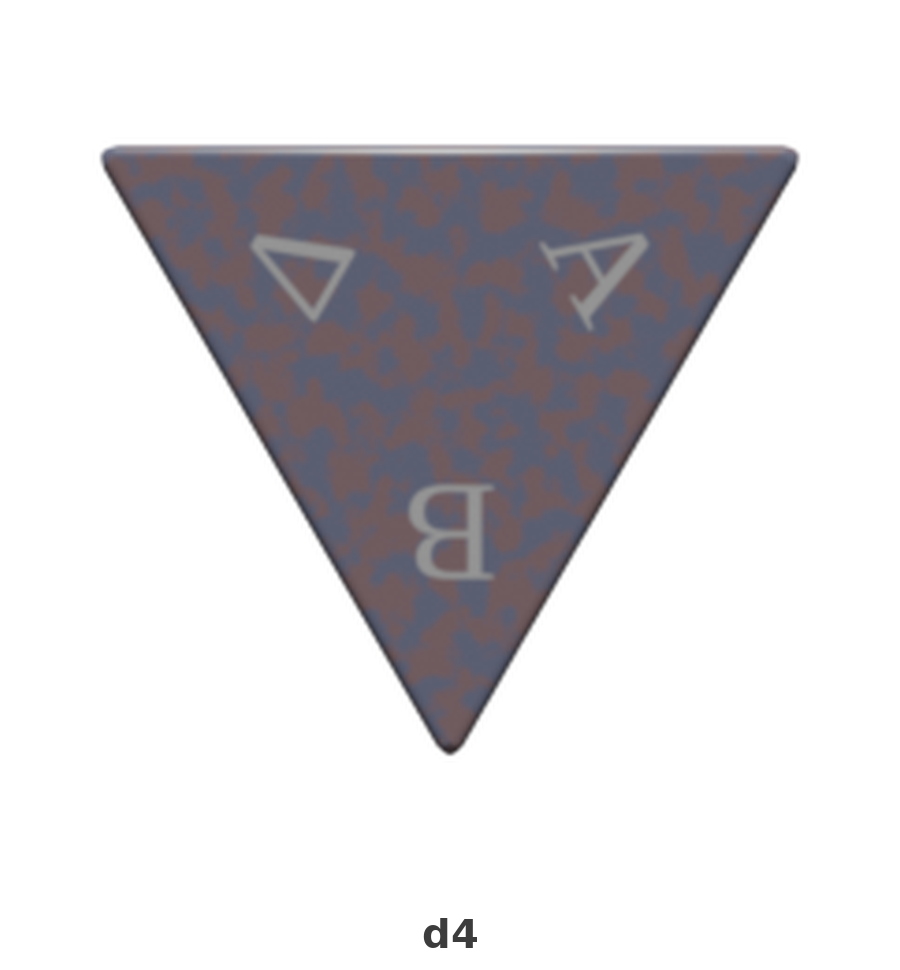
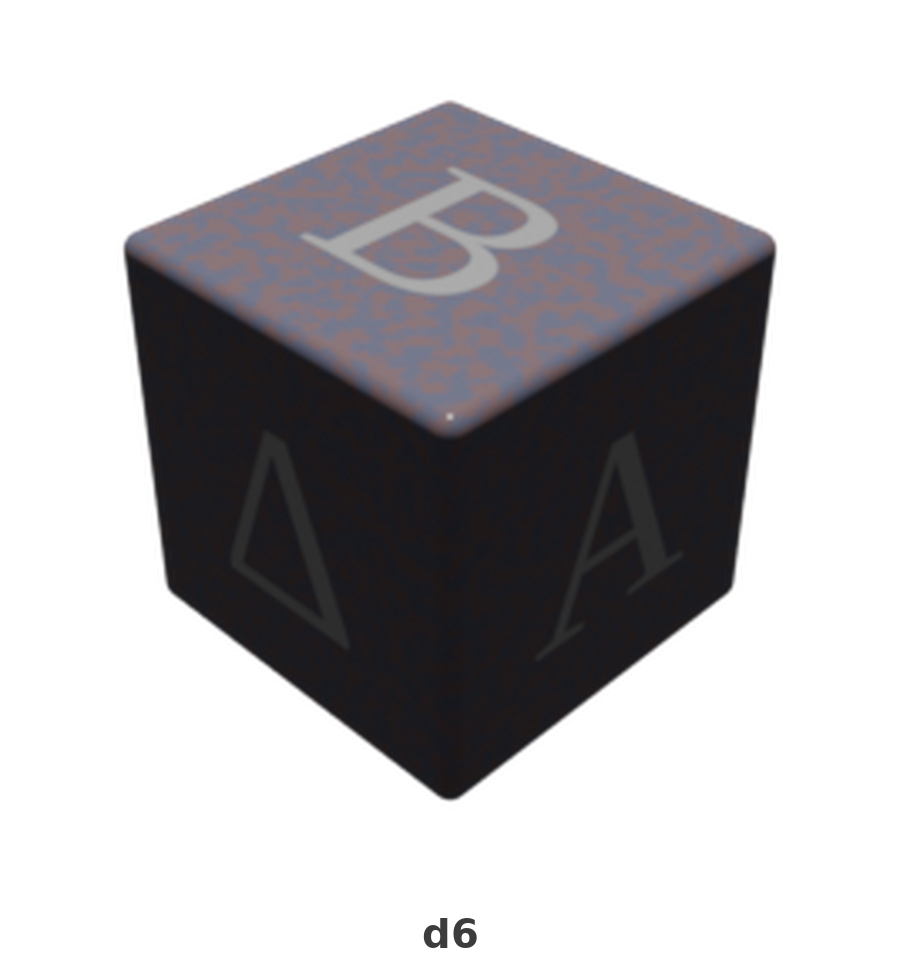
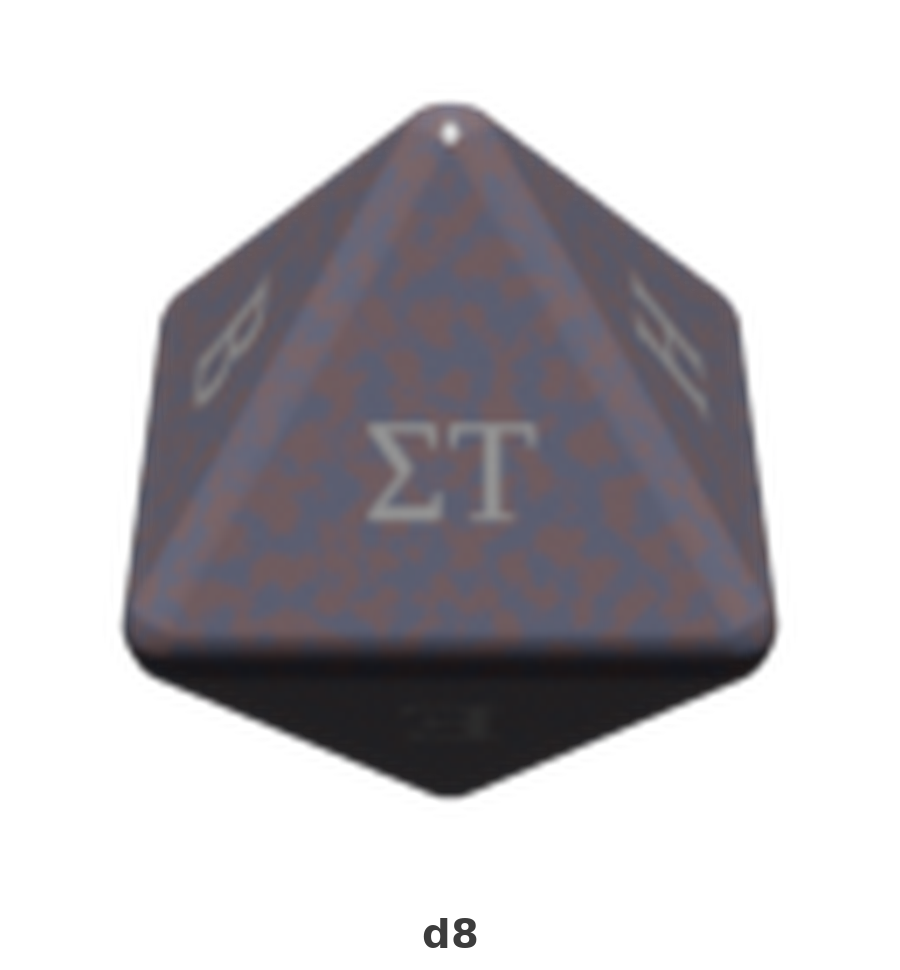
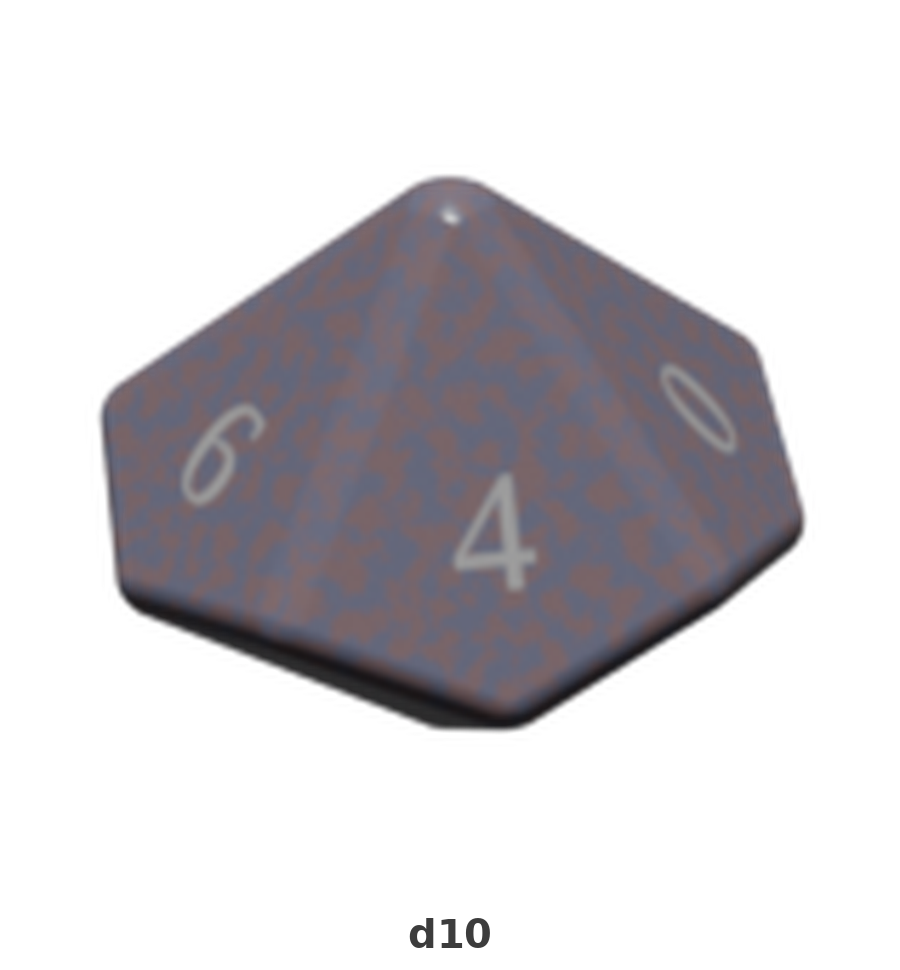
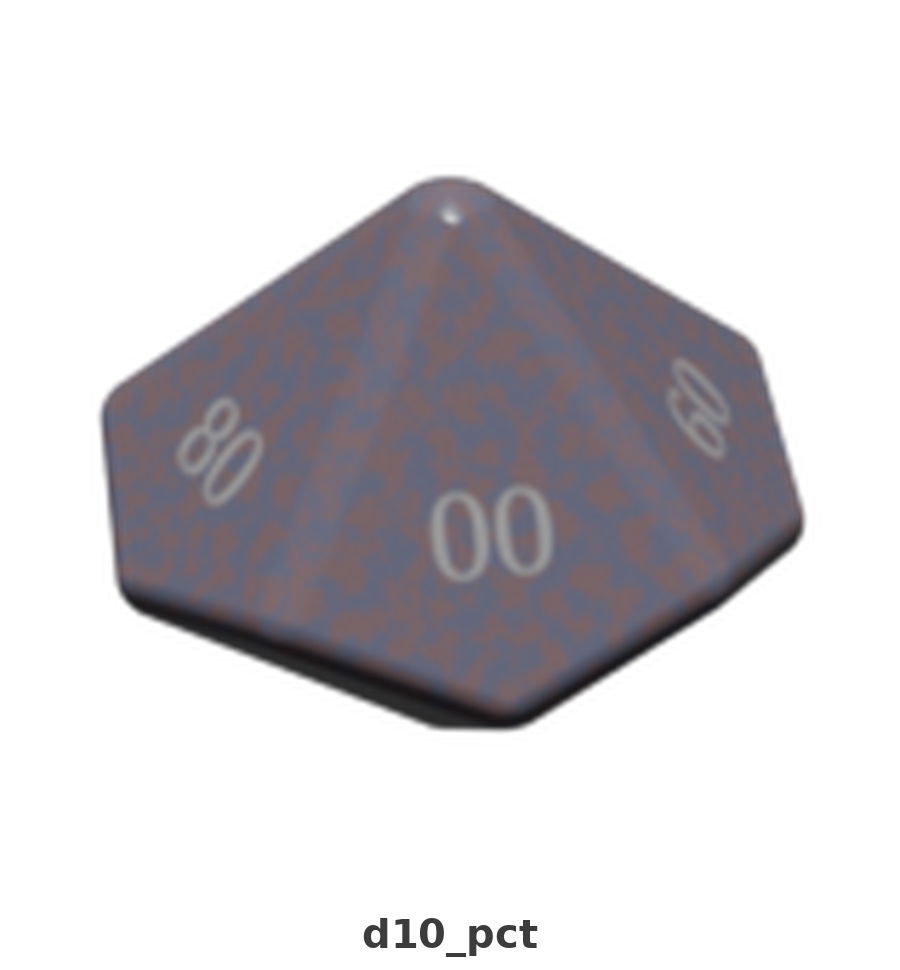
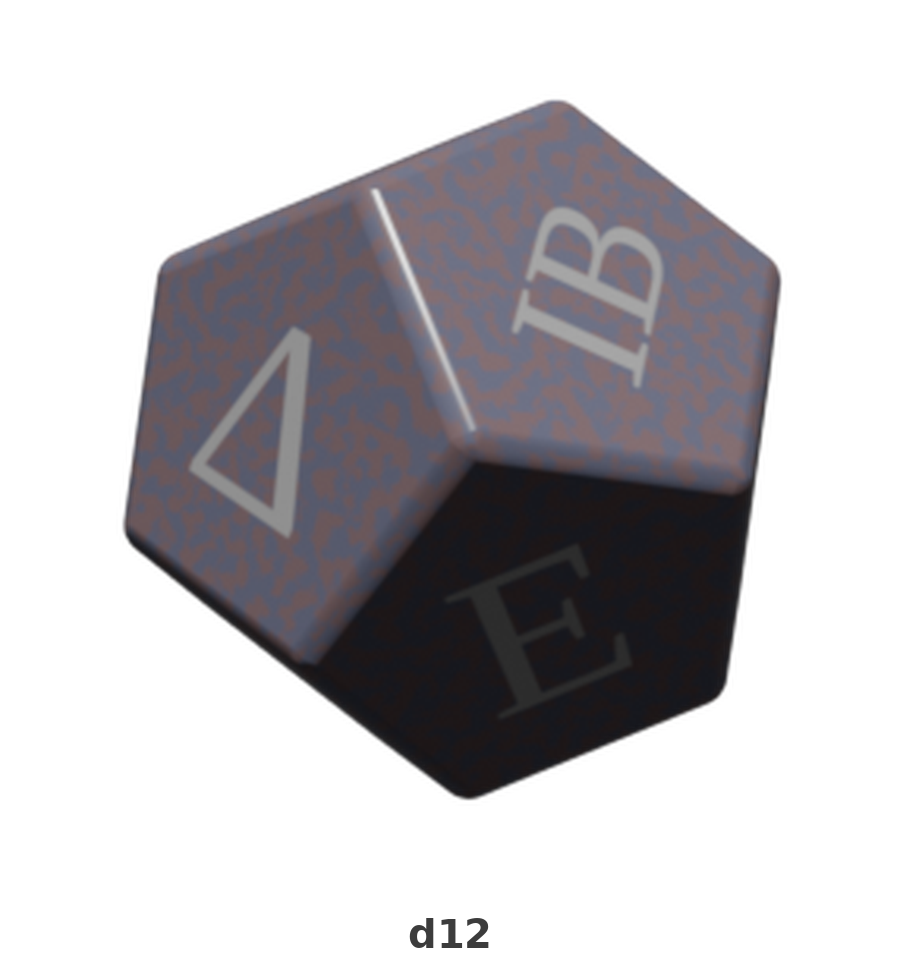
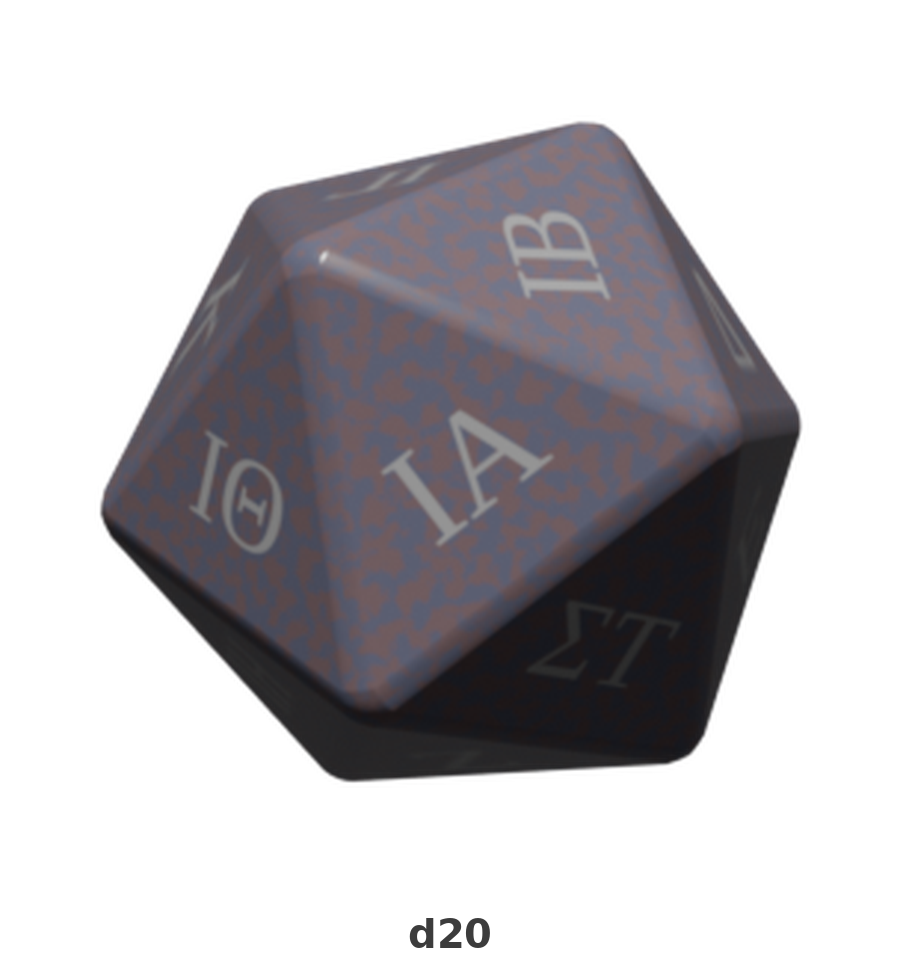
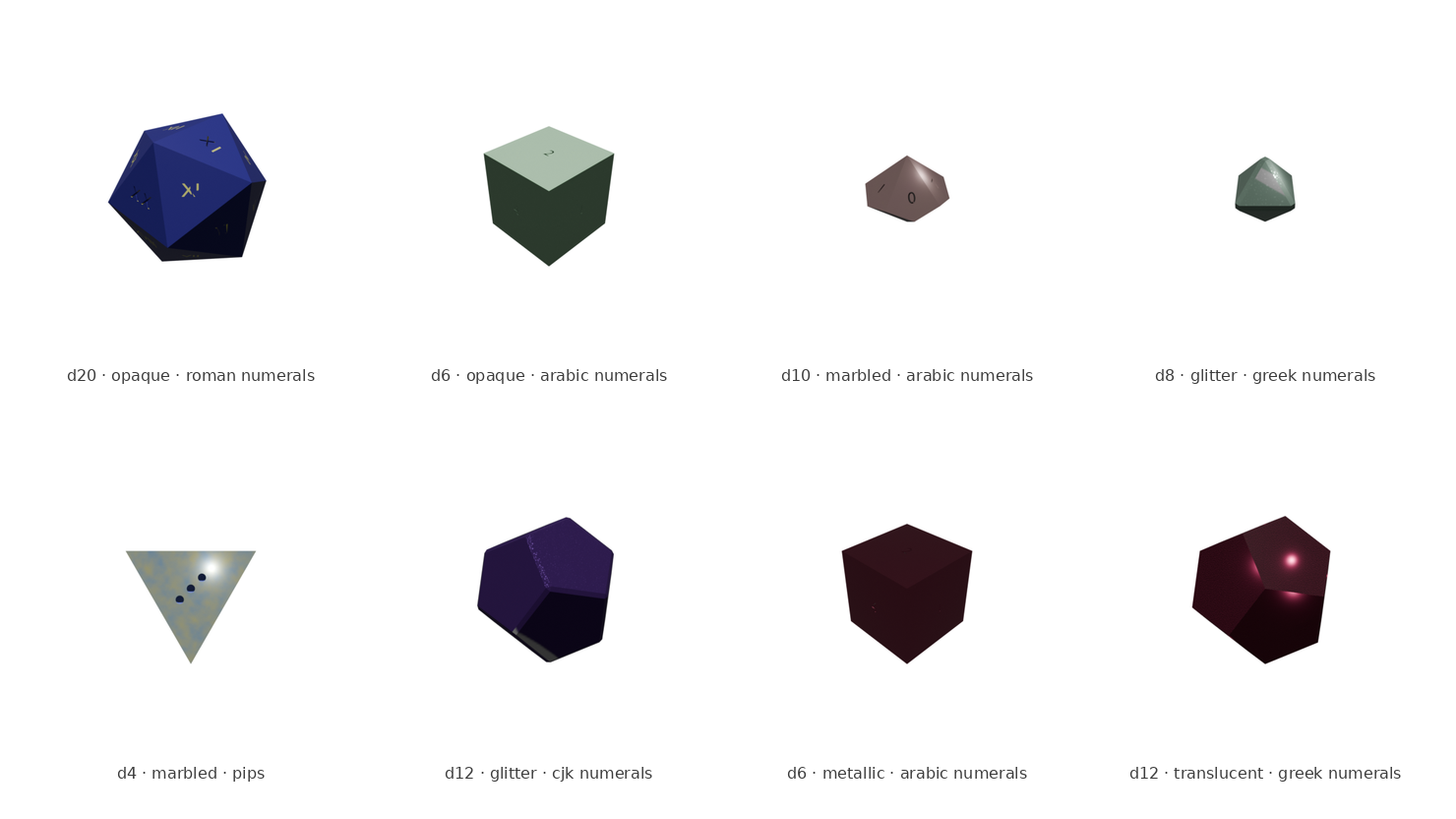
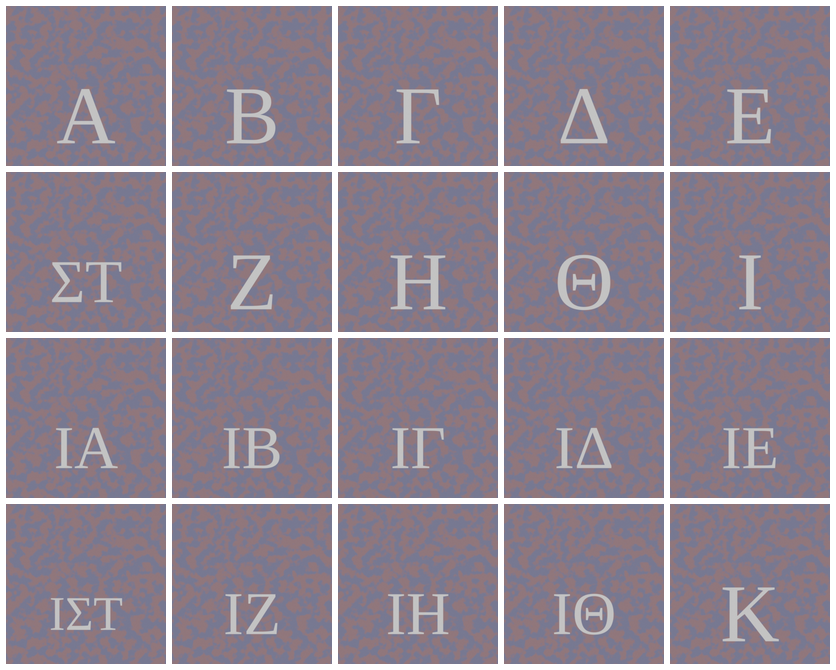
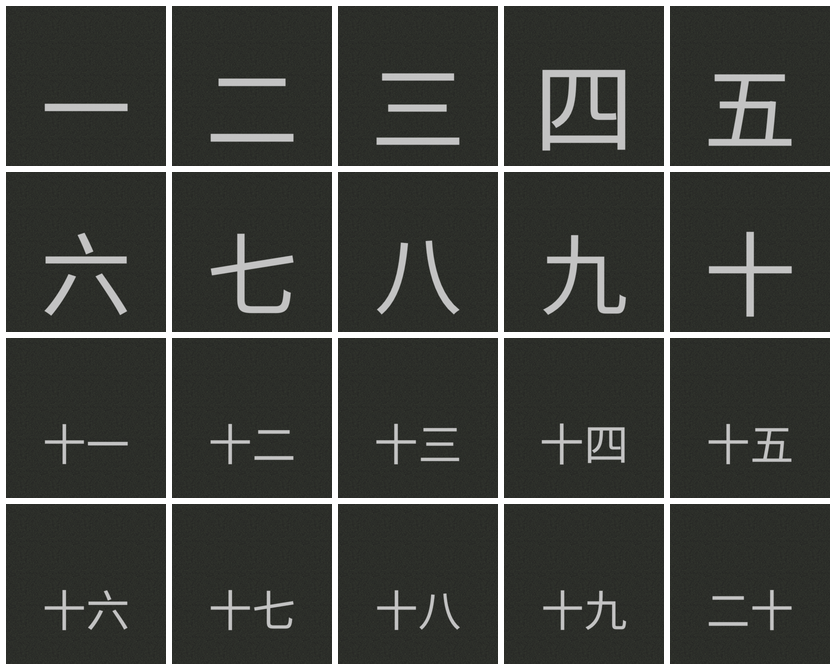
The numeral grids in the gallery are the receipts for that last bullet: 4 separate d20s, one per glyph style, each with all 20 faces arranged in order 1 through 20 — real output, not a mockup, and proof the numbering scheme actually lands on every value in every style. The 7 individual dice in the gallery are one matched physical set, same material and font throughout, shown at their real relative sizes — that size difference matters later, in the training results.
Step 2: Glyphs and Materials
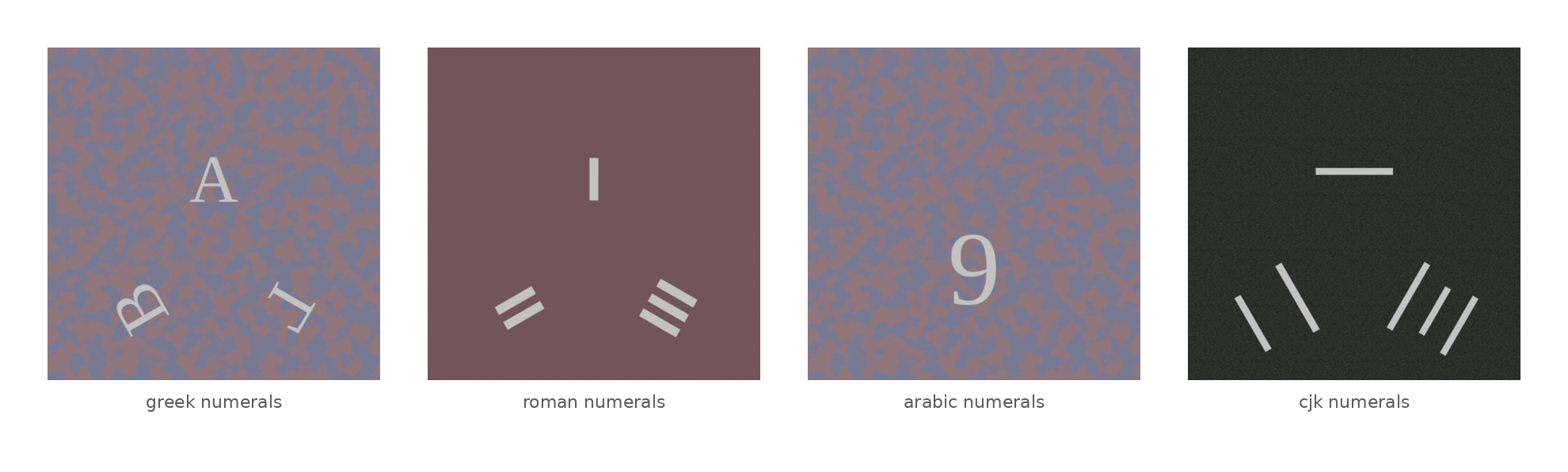
Numerals and materials are both randomized per asset from a fixed set of manufacturing-accurate methods. The specimen strip in the gallery shows this best — each crop is a straight zoom into a real generated face texture, not a mockup.
- Glyph application — 2 methods, chosen at random per asset: engraved (boolean-cut into the mesh, optional painted recessed fill) and printed decal (UV-unwrapped face textures).
- Glyph styles — 5 supported: arabic, roman, greek, CJK numerals, and pips (pips restricted to d6 and d4 only, matching how real dice are actually numbered).
- Materials — 6 procedural PBR categories: opaque, translucent, marbled, glitter, metallic, speckled, all built from Blender shader nodes.
- Randomization: every asset gets randomized hue/saturation/value/roughness, plus category-specific parameters — IOR and transmission for translucent, noise scale for marbled, and so on.
Asset Library Results
- 2,100 assets generated, evenly spread across all 7 die types at 300 each — d4, d6, d8, d10, d10_pct, d12, d20.
- By material: 413 opaque, 364 marbled, 357 speckled, 343 translucent, 336 metallic, 287 glitter.
- 0 recorded failures during generation.
- 10 known validation errors, all on d10s:
scripts/validate_dice_assets.pycurrently flags 10 of the 300 d10 meshes for open boundary edges or a degenerate face on the final exported mesh. I haven’t root-caused or fixed this yet — it’s an honest known issue, not swept under the rug, and it’s the top candidate for the next pass at the d10/d10_pct geometry.
Notable Bugs
The boolean-engrave step turned out to be the fiddliest part of the pipeline, and it surfaced a few real correctness bugs worth recording:
- Silent no-op cuts. On one d20 with arabic numerals, Blender’s EXACT boolean solver silently no-op’d on all 20 numeral cuts — the die’s body came out byte-for-byte untouched, with each cutter just appended as inert debris, and nothing about the die’s volume changed enough to look wrong. Fix: a connected-component face-count check alongside the existing volume check. A real cut always grows the largest connected shell it touches, so if that shell’s face count doesn’t increase after a cut, the pipeline now retries with the FLOAT solver instead.
- Full-die collapse on a degenerate cutter. A d10 with greek numerals hit a case where the EXACT solver collapsed the entire die’s volume on a single glyph cut, because the source glyph (a capital Alpha) had residual non-manifold edges from font curve-fill self-overlap even after welding. Fix: snapshot the die’s volume before each cut; if a single cut would remove more than half of it (geometrically impossible for a numeral engraving), roll back and retry with FLOAT.
- Unwelded cutter meshes corrupting geometry. Converting extruded text curves to mesh leaves duplicate, unwelded vertices at every seam, which occasionally crashed the boolean solver outright and gutted one die into disconnected garbage fragments. Fix: weld the cutter mesh and recompute normals before it’s used as a boolean operand.
None of these were exotic edge cases — they were real assets in the batch failing in real ways, caught by generating at scale and checking the output rather than assuming the boolean op just works.
Testing
- Pure-logic modules — numbering, the parameter sampler — tested with plain pytest.
- Blender-API-dependent code — run through
blender --background --python, using a shared test harness. - Initial issue: Blender’s background mode exits with code 0 even when the script raises an uncaught exception, so a bare
assertinside a background script can’t actually fail the shell command that ran it. - Fix: the harness catches exceptions explicitly and calls
sys.exit(1)on failure orsys.exit(0)on success, so Blender-dependent tests fail the way a test actually should.
Step 3: Object Detection Dataset
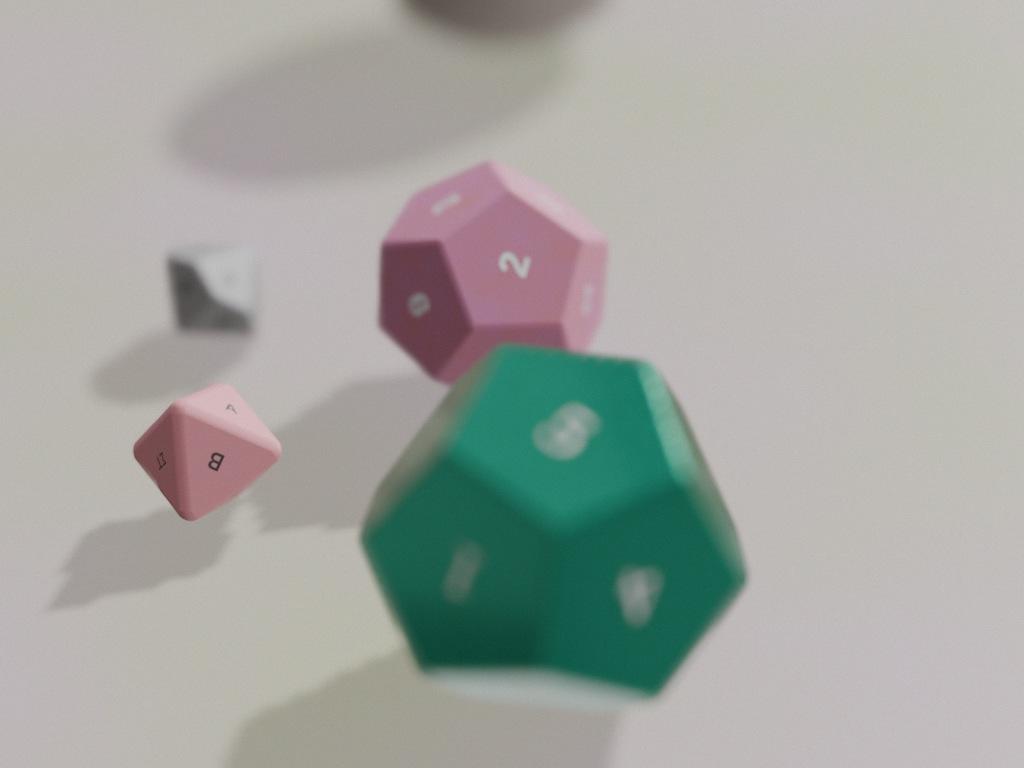
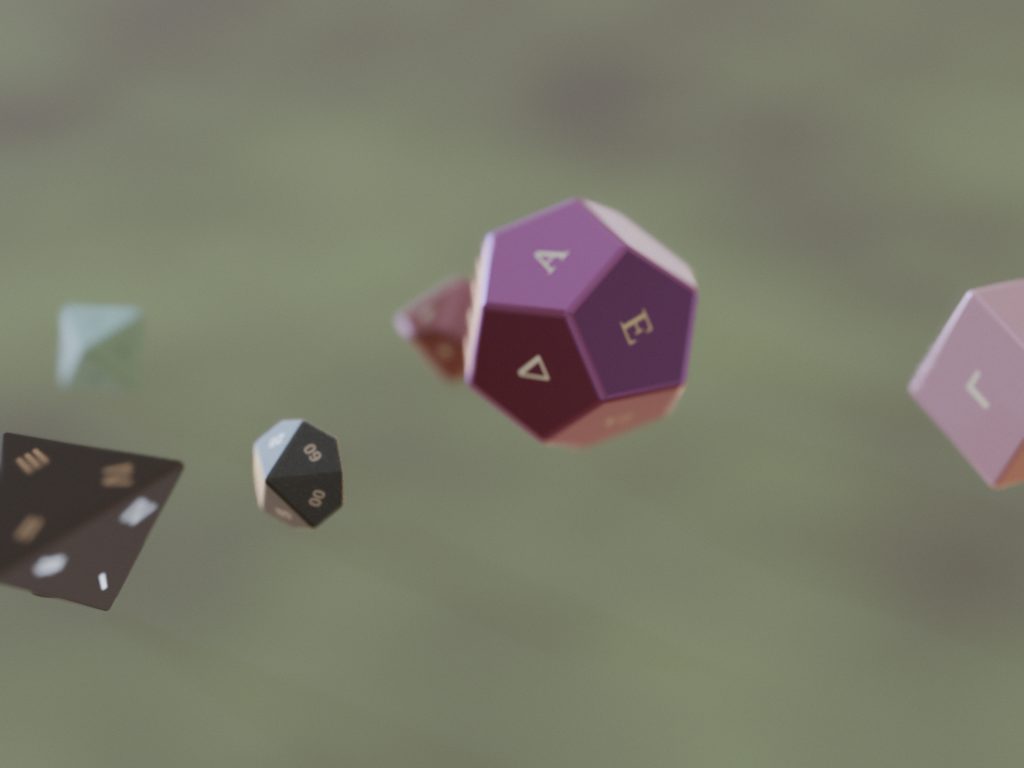
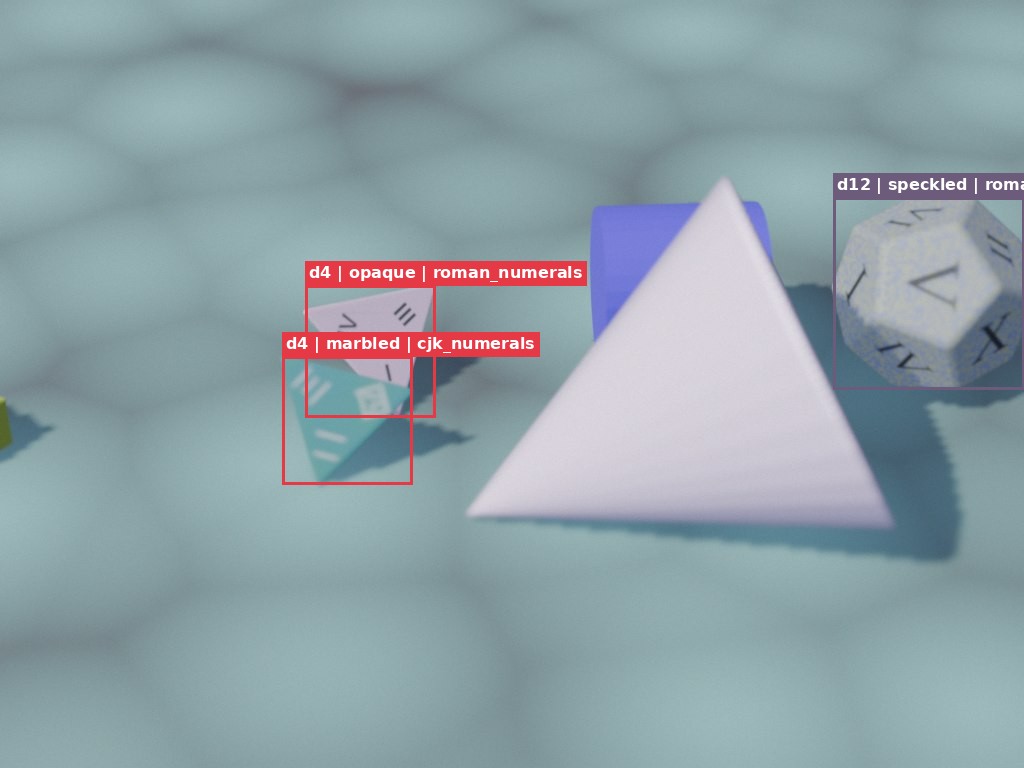
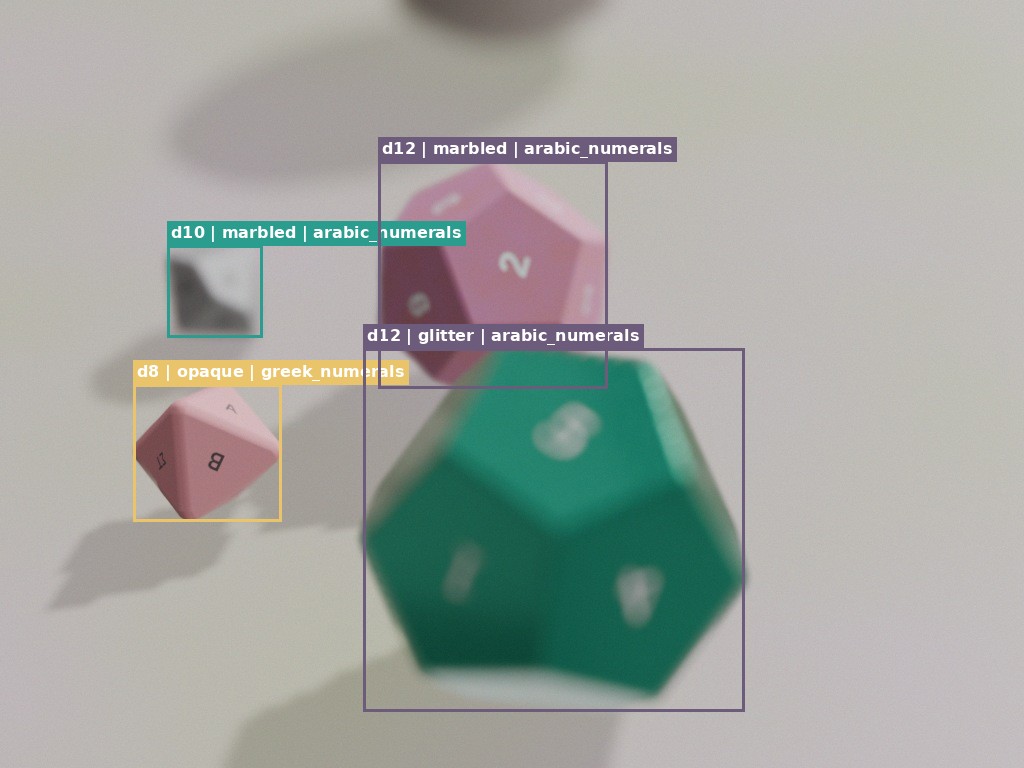
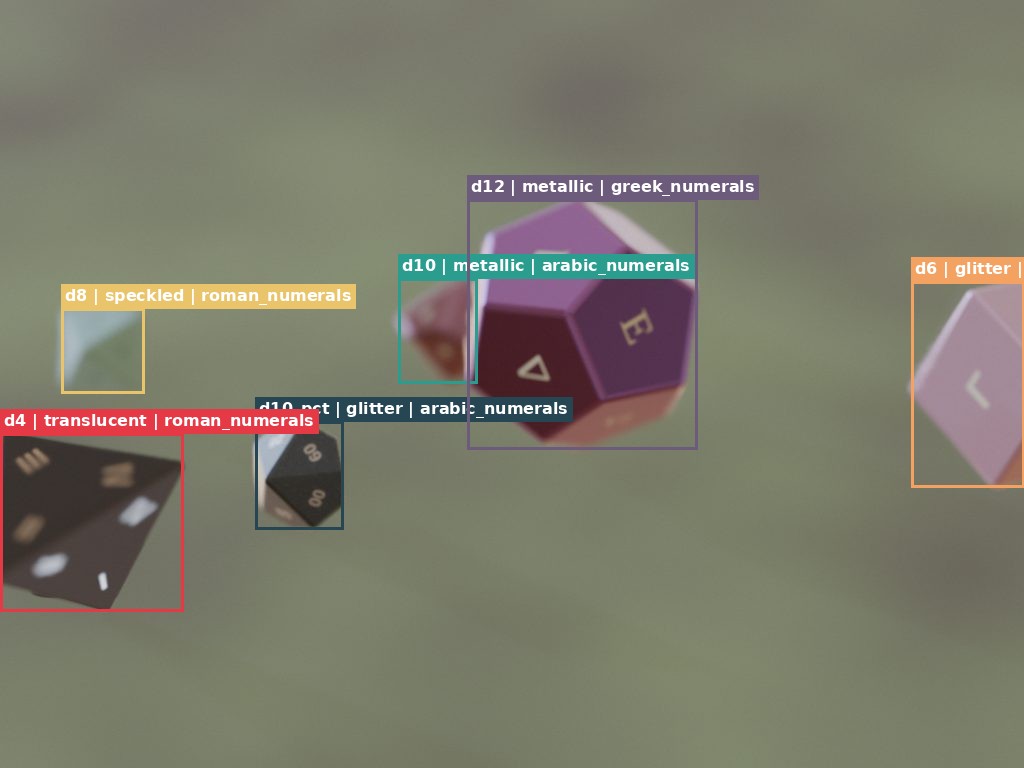
With an asset library in hand, the next step was building something to actually train a detector on: rendered scenes of multiple dice scattered on a table, with per-die bounding boxes. The three scene pairs in the gallery are real output from this stage — same scene, once raw and once with the annotations drawn on top, so you can see exactly what the boxes catch.
Scene composition
- Dice per scene: 3-8, sampled randomly from the asset library.
- Placement: dropped onto a ground plane and settled with a short rigid-body physics simulation, rather than hand-picked poses.
- Distractors: 0-5 random primitives (cubes, spheres, cones, torii, slabs, sticks) scattered into the same simulation, so the model gets negative examples of things that aren’t dice, not just positive examples of things that are.
- Ground material: flat color, or one of 4 procedural two-tone patterns (noise, voronoi, checker, wave).
- Lighting: a random HDRI environment map per scene, with randomized rotation and strength.
- Camera: randomized azimuth, elevation, and focal length; about half the shots get real depth-of-field with a randomized aperture.
- Post: sensor noise, exposure jitter, and randomized JPEG quality on the output image — closes some of the gap between a clean render and an actual photo.
Occlusion-aware annotation
- Approach: boxes come from a second render pass, not from projecting each die’s 3D silhouette.
- How it works: after the beauty shot, every die is swapped to a unique flat-emission color, the background goes black, and the scene is re-rendered at 1 sample — giving an exact per-pixel visibility mask per die.
- Result: a die that’s mostly buried under another die gets a box around the part that’s actually visible, not its full unoccluded footprint.
- Cutoff: dice with fewer than 60 visible pixels are skipped entirely, rather than boxed for something the model realistically couldn’t see.
Output
- 10,000 rendered scenes.
- 51,505 individual die annotations, COCO format.
- 7 label classes: d4, d6, d8, d10, d10_pct, d12, d20.
- Rendered across 6 parallel Blender worker processes, each deterministic from a shared seed, then merged into one
coco.json.
Bugs worth recording
Same as the asset generator, this pipeline had real bugs that only surfaced at scale:
- Depth-of-field leaking into the ID pass. The occlusion pass initially inherited the beauty render’s camera settings, DOF included. Blurring a flat-color ID image smears colors across neighboring pixels, and one die’s box came out 706px wide from only 672 actually-visible pixels. Fix: force DOF and exposure off before the ID pass renders.
- sRGB-encoded IDs colliding. The ID pass PNG stores sRGB-encoded values, and decoding them as if they were already linear shifted two adjacent dice’s ID colors into the same bucket, merging their boxes into one. Fix: explicitly linearize the raw pixel values before mapping them back to die indices.
- A checkpoint bug that orphaned 6,193 images. The first version of the renderer wrote its annotation shard file once, at the very end of the run. A worker killed mid-run left thousands of rendered JPEGs on disk with zero annotations recorded for any of them. Fix: checkpoint every 20 scenes, with resume logic that only counts a scene as done if it’s both in the checkpoint and its file still exists on disk.
Step 4: Training and Sim-to-Real Results
This is the part I’m least precious about, and probably the most useful thing on this page: I trained a detector on the synthetic data, pointed it at real photos, and it broke in a specific, diagnosable way. I’d rather show that than round it off.
I trained YOLO11s (imgsz 640, 60 epochs, batch 32, seed 42) two ways and evaluated both against a frozen set of 1,376 real dice photos:
- Variant S — synthetic data only, 9,000 training images.
- Variant S+R — synthetic plus a real-photo fine-tune slice, 22,255 training images.
Headline result: S is near-perfect on synthetic validation (mAP50 0.984) and fails hard on real photos (mean mAP50 0.532). S+R closes that gap within the test set’s own photo collections (real mAP50 ≥0.989 on every class) — see the caveat below on what “within-collection” means.
| class | S real mAP50 | S+R real mAP50 |
|---|---|---|
| d4 | 0.695 | 1.000 |
| d6 | 0.519 | 1.000 |
| d8 | 0.090 | 1.000 |
| d10 | 0.097 | 0.989 |
| d12 | 0.936 | 1.000 |
| d20 | 0.855 | 1.000 |
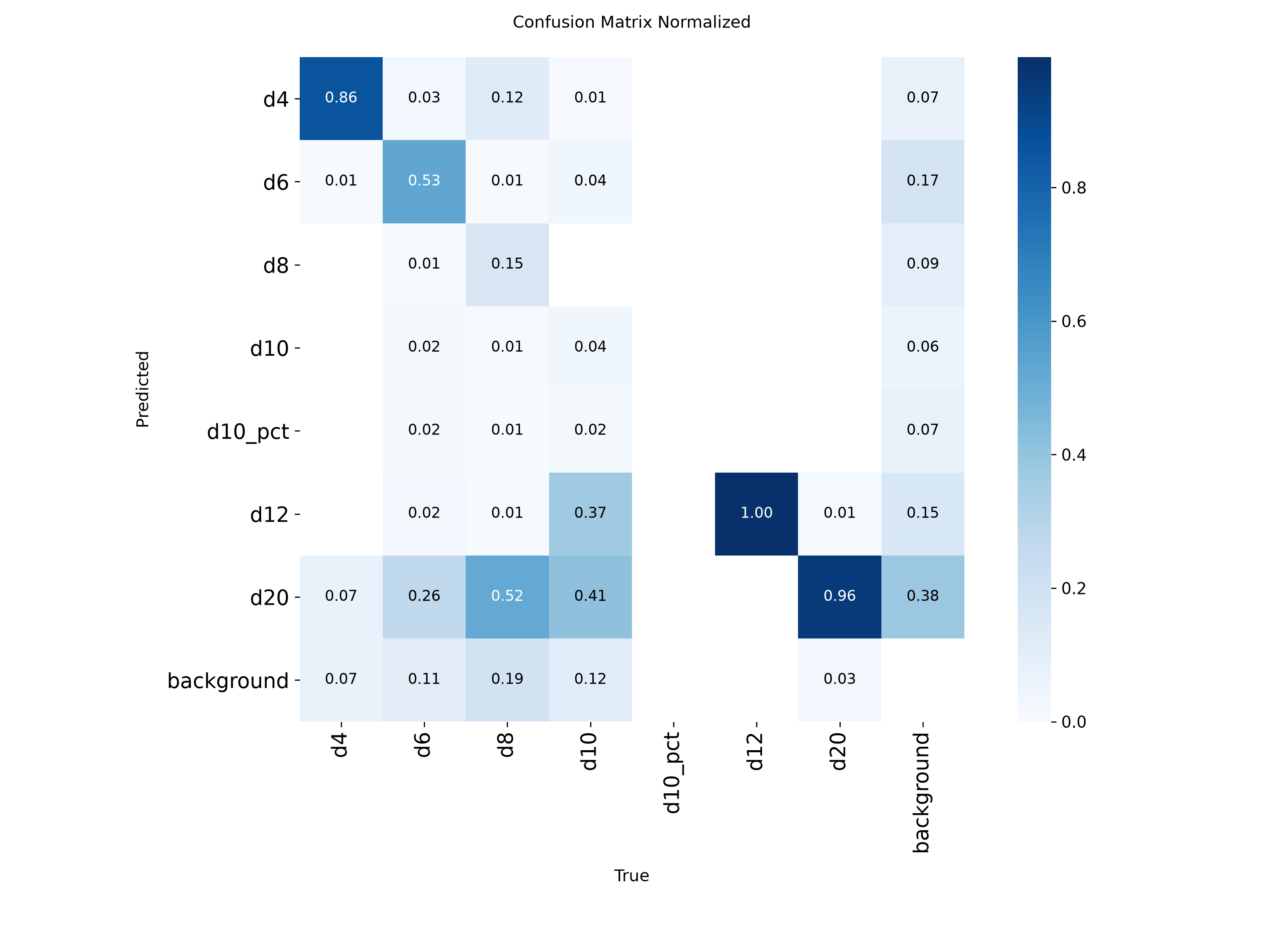
What’s actually going wrong (variant S): not a detection failure — a systematic classification shift up the shape-complexity ladder. The confusion matrix in the gallery shows it directly:
- True d10 gets predicted d12 (37%) or d20 (41%); only 4% correct.
- True d8 gets predicted d20 (52%); only 15% correct.
- d12 (100%) and d20 (96%) are correct — the top of the ladder has nowhere left to shift to.
- Overlays confirm the boxes are right and confident (≈0.94) — it’s the class head that’s wrong, not localization.
My working hypothesis: in the synthetic scenes, dice sit at realistic relative sizes in multi-die tabletop shots, so apparent in-frame size correlates with class — a d20 really is bigger than a d8. The real test photos are almost all single-die extreme close-ups, where every die fills the frame, and the model reads “big die in frame” as d12/d20 regardless of actual shape. I’m not fully certain that’s the whole story, but it’s consistent with everything in the confusion matrix, and it points at a real gap in the data generator rather than the model or task.
What I’d change in the data generator next, in priority order:
- Render single- and few-die close-ups across the full focal/framing range, so every class shows up at every apparent scale — directly tests the size-confound hypothesis.
- Split the asset pool so there’s a leak-free synthetic validation set (today’s is saturated at 0.98+ and predicts nothing about real transfer).
- Weight glyph styles toward real-world convention (arabic dominant), keeping the exotic styles as a minority slice.
- Review d8/d10 geometry and engraving legibility against real dice — they’re the two worst classes.
Caveat on the S+R number: the fine-tune slice and the frozen test set come from the same two real-photo collections — same physical dice, same cameras. I removed image-level duplicate leakage with a group-aware split, but the same physical die still shows up in both splits in different photos. So S+R’s near-1.0 is within-collection performance, not proof this generalizes to dice or cameras it’s never seen. The real photos are also almost entirely single-die close-ups, so the multi-die clutter scenes the synthetic data covers heavily are essentially untested against reality.
Status
The pipeline runs end to end: procedural dice generation, scene rendering, automatic annotation, and detector training all work and produce real output. The open question isn’t whether the pipeline works - it does - it’s why the resulting detector doesn’t transfer cleanly to real photos yet.
Results
- Asset generation: 2,100 dice across all 7 types (300 each), spanning 5 glyph styles and 6 material categories, with 0 recorded generation failures.
- Dataset: 10,000 rendered scenes and 51,505 COCO annotations, using an occlusion-aware second pass so boxes reflect what’s actually visible rather than a die’s full unoccluded silhouette.
- Synthetic training: YOLO11s trained on the synthetic set alone hit mAP50 0.984 on synthetic validation - the full pipeline closes the loop from geometry to a working detector.
- Real-photo fine-tune: adding a real-photo slice (variant S+R) pushed real-photo mAP50 to 0.989 or better on every class, within the photo collections used for training and testing.
Challenges
- The sim-to-real gap: the synthetic-only model (S) drops to a mean real-photo mAP50 of 0.532, and two classes collapse outright - d8 at 0.090, d10 at 0.097. The confusion matrix shows it’s not a localization problem (boxes are confident, around 0.94) but a classification shift up the shape-complexity ladder: true d10s mostly get called d12 or d20. My working theory is that the synthetic scenes teach the model to read apparent in-frame size as a class signal, which breaks down on the real test photos since they’re almost all single-die close-ups where every die fills the frame.
- S+R’s numbers don’t prove generalization: the fine-tune slice and the frozen test set share the same physical dice and cameras. I split by group to avoid image-level leakage, but the same dice still appear in both splits. So S+R’s near-1.0 scores are within-collection, not evidence the model would hold up on dice or cameras it’s never seen - and the multi-die clutter scenes the synthetic data covers heavily are barely represented in the real test photos at all.
- 10 of 300 d10 meshes still fail asset validation, flagged for open boundary edges or a degenerate face. I haven’t root-caused it.
What’s next
Most of what I’d change lives in the data generator, not the model: render single- and few-die close-ups across the full focal range so every class shows up at every apparent size, carve out a synthetic validation split that isn’t leaked (today’s is saturated and doesn’t predict real transfer), shift glyph style weighting toward arabic numerals to match real dice, and take a closer look at d8/d10 geometry and engraving legibility since they’re the two worst classes. I also still want to track down the 10 outstanding d10 validation failures.
Gallery
Generated Assets
Numeral Grids (1-20)
Detection Scenes

Labeled Annotations
Sim-to-Real Results